

Mobile Inventory Management App

Track stock, scan barcodes, and update quantities wherever you work. Manage your own inventory or collaborate with a team on Android, iPhone, iPad, and the web.

Video showcase

See Storagemagus in Action

Watch how to add an inventory item with a product photo and barcode, then review its details on your phone before saving.

28-second mobile app demonstration

The demonstration is in English.

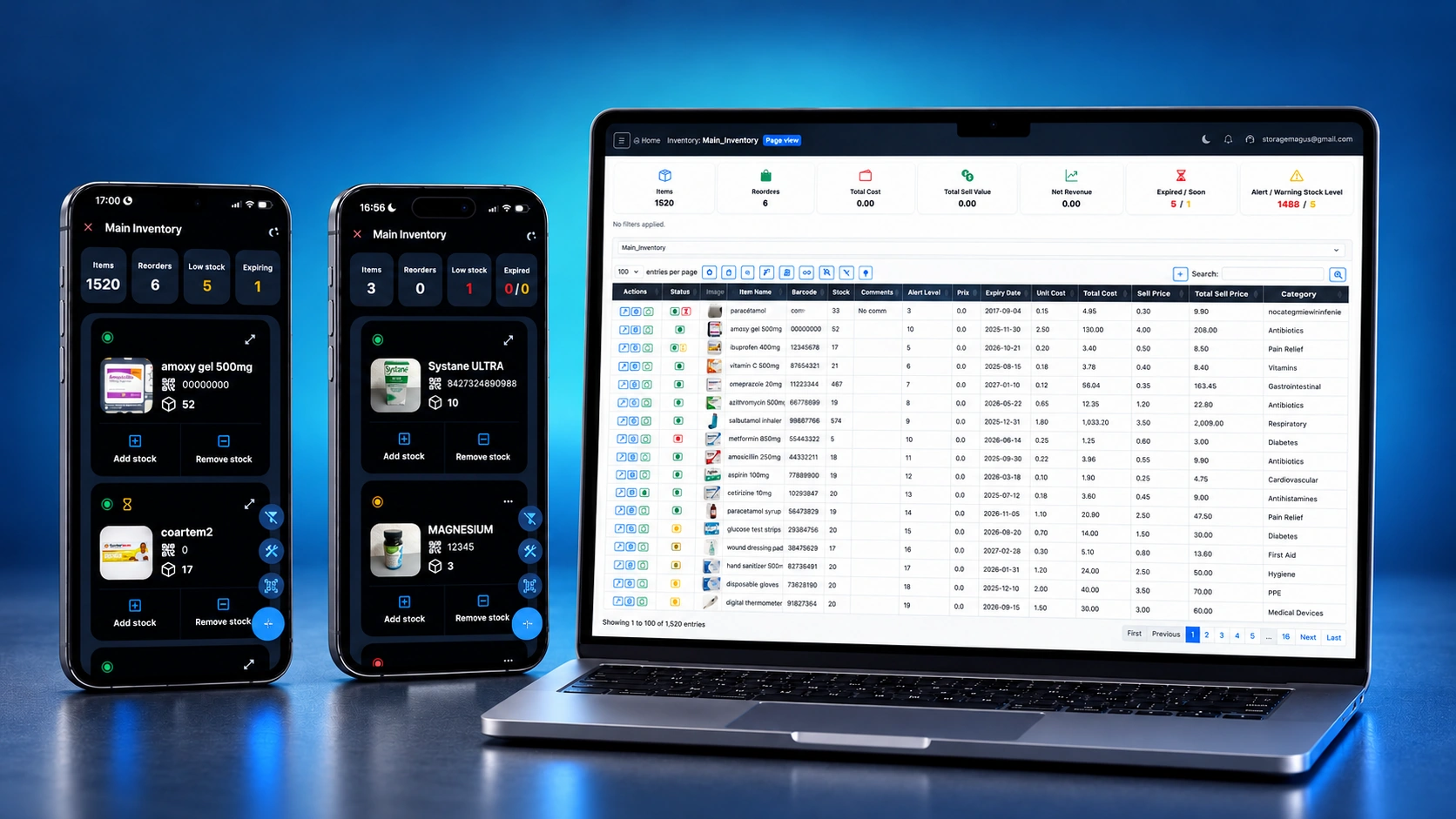
Storagemagus mobile inventory app interface

Inventory Management on Android, Web, iPhone and iPad

Whether you're in a warehouse, managing supplies in the office, or out in the field, Storagemagus keeps your inventory always within reach. The mobile inventory app lets you scan barcodes and QR codes, update stock levels, and track movements directly from supported Android, iPhone, and iPad devices. Storagemagus is also available through modern web browsers. Inventory changes synchronize between supported devices and team members when they are connected. Manage smarter, faster, and from anywhere.
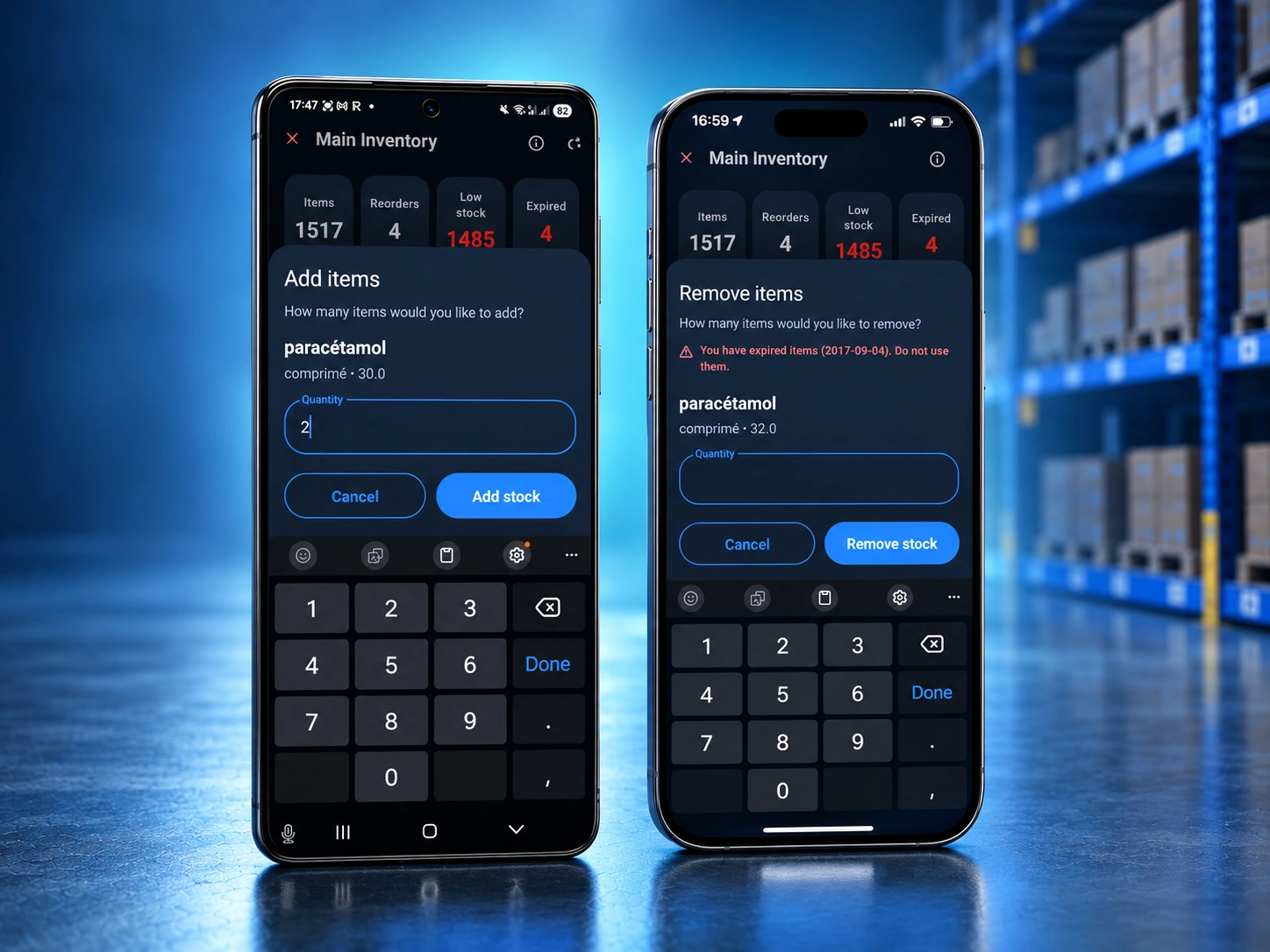
Add or edit items with Storagemagus

Add, Edit and Adjust Stock

Create and edit inventory items, and adjust stock quantities on Android, iPhone, iPad, or the web. Keep your inventory synchronized across connected devices, so your team can access the latest saved stock information. Built for daily stock work in warehouses, shops, and small businesses.

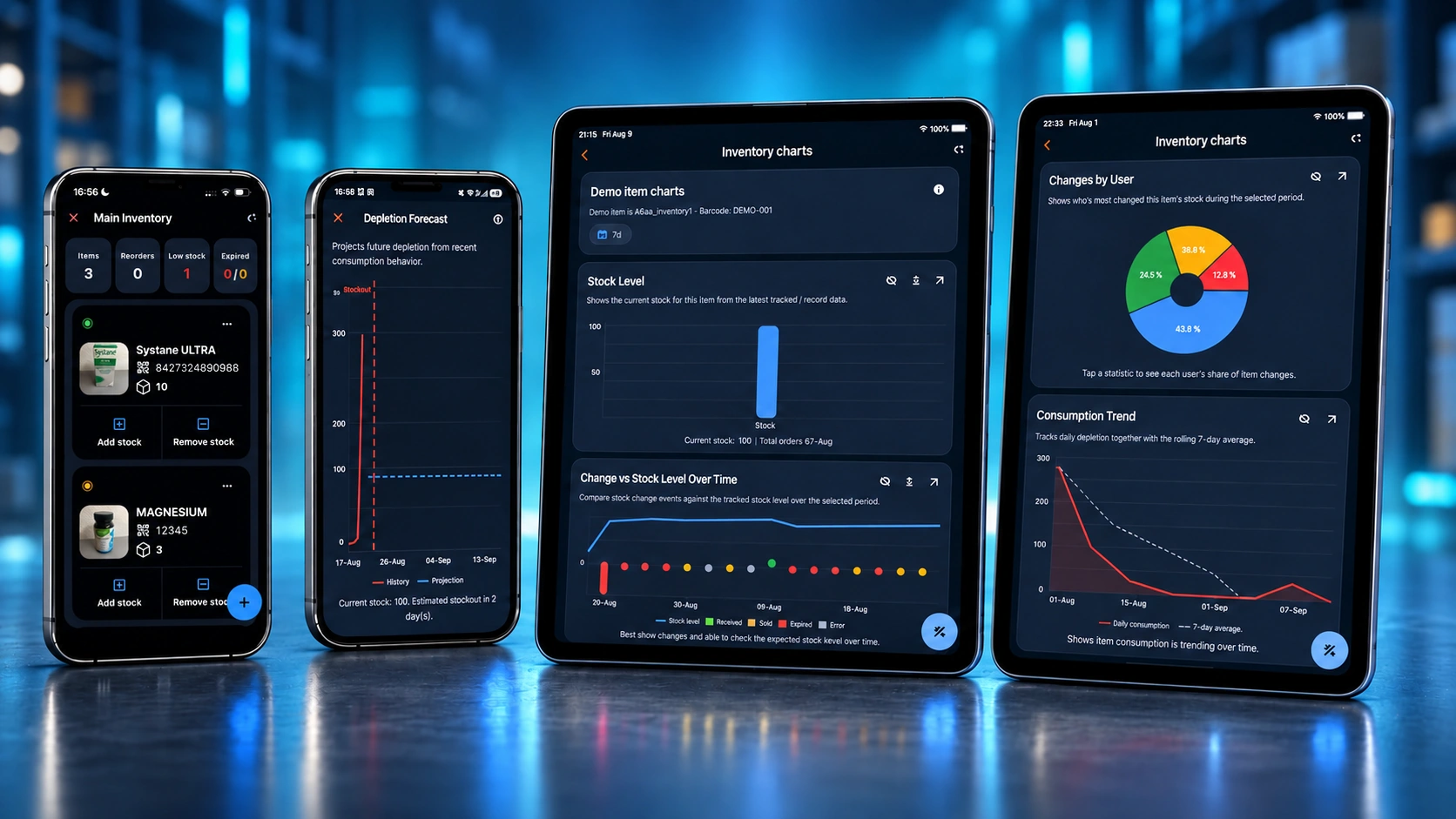
Visual inventory charts on Storagemagus

Smarter Insights with Charts

Explore stock levels, inventory history, and consumption trends through interactive charts on Android, iPhone, iPad, and the web. Use historical data to estimate when items may run low. Chart access depends on your plan or available trial or promotional access.

Affordable inventory app Storagemagus

No Extra Hardware Needed

Use your existing Android device, iPhone, iPad, desktop, or laptop to manage your inventory with Storagemagus. No dedicated scanning hardware or complicated setup is needed. Access your inventory through the Android app, iOS app, or web browser, using the devices your business already owns.

Mobile Inventory Tools for Daily Stock Work

Use practical inventory tools where stock is received, stored, counted, and updated.

Scan and Recognize Items

Use your mobile camera to scan barcodes and QR codes, or read printed item names and expiry dates. Check recognized text before saving.

Update Stock Where You Work

Add and edit items, adjust quantities, and review stock on Android, iPhone, iPad, or the web. On mobile, supported stock adjustments are saved locally while offline and synchronized after reconnecting. Adding, editing, or deleting items requires an internet connection.

Sync and Collaborate

Keep your inventory synchronized across connected devices, so your team can access the latest saved stock information.

Speed up stock entry with barcode and QR inventory scanning, keep every device current with cloud inventory sync, simplify daily work through an intuitive inventory interface, and coordinate updates using collaborative inventory management.

Download Storagemagus Now or register in your browser!

Keep control of your inventory anywhere on Android, iPhone, iPad, or directly through your web browser.